

You design a beautiful poster. You print it. You hang it in a high-traffic area. Then you wait.
This waiting game is the hardest part of traditional print marketing. You know people see your poster design, but you have no idea if they actually take action. Did they visit your homepage? Did they buy a ticket? Without data, your poster is just decoration.
QR Codes change this dynamic completely. They transform static paper into a clickable, trackable gateway. A well-placed QR Code on a movie poster or event flyer connects your offline audience directly to your online content. You stop guessing and start measuring.
This guide shows you how to use QR Codes in print advertising to drive real results. We will cover QR Code basics, design rules that ensure your codes are scannable, how to set up Dynamic QR Codes for long-term tracking, and how to use scan data to prove your marketing campaigns are working.
Note: The brands and examples discussed below were found during our online research for this article.
Key takeaways
- QR Codes turn posters into measurable channels when you use Dynamic QR Codes that track scan activity over time.
- Design directly affects scan performance, so size, contrast, quiet zone, and a clear call to action matter as much as placement.
- Dynamic QR Codes prevent costly reprints, letting you update destinations if offers, URLs, or campaigns change.
- Scan analytics reveal what is working offline, including which locations, placements, or time periods drive the most engagement.
- Organization matters at scale, so naming conventions and campaign tags help teams compare QR Code poster performance and report results clearly.
Benefits of tracking QR Codes on posters and flyers
Posters have always excelled at building awareness. Adding a trackable QR Code upgrades them into a performance channel. You move from hoping people remember your website URL to knowing exactly how many people scanned it.
This visibility bridges the gap between the physical world and your digital marketing strategy. You gain the ability to attribute website traffic directly to specific print assets.
Real-time engagement visibility
You begin collecting data the moment your posters go up. Real-time insights allow you to see which specific locations perform best. If you place posters in five different cities, the scan data will tell you which placement drives the most interest.
You can also identify peak engagement dates. If scans spike on Fridays, you know your audience is active then. This information helps you refine future ad placements and timing for upcoming events.
Consolidated scan and click analytics
Modern campaigns live across multiple channels. You likely promote the same event via email, social media pages, and physical flyers. Using a unified platform like Bitly Analytics allows you to see all engagement in one place.
You can compare clicks on a branded link from our URL Shortener used in a tweet against scans from a poster presentation. This consolidated view helps you understand where your audience prefers to engage. You can track metrics like total scans, unique scans, location data, and device type to build a complete picture of your campaign performance.
Editable destinations without reprinting
Printed materials are permanent, but your strategy might change. Dynamic QR Codes allow you to update their destination link at any time without changing the physical code.
Imagine you print 1,000 posters for a concert. If the ticket link changes or the venue moves, a Static QR Code would be a disaster. You would have to reprint everything. A Dynamic QR Code lets you simply redirect the link in your dashboard. The poster on the wall keeps working perfectly. This flexibility saves money and reduces waste.
Essential design rules for a scannable QR Code poster
A QR Code only adds value if people actually scan it. Poor design choices often render codes unreadable by smartphones. Follow these rules to overcome QR Code challenges and ensure your poster design drives action:
Minimum size by viewing distance
Size depends on context. A code on a flyer held in hand can be small. A code on a wall poster must be large enough to scan from a few feet away.
Use the “10:1” rule as a general guide. If you expect people to scan from 10 inches away, the code should be at least 1 inch (2.5 cm) wide. If they scan from 10 feet (120 inches) away, the code needs to be roughly 12 inches wide. Always err on the side of making it larger. Mobile phones struggle to focus on tiny codes from a distance.
High contrast and quiet zone
Scanning apps rely on contrast to detect the code structure. A black code on a white background works best. You can use colors, but ensure the foreground is significantly darker than the background.
Respect the “quiet zone.” This is the empty white space bordering the code. If you print text or graphics too close to the code’s edge, the camera cannot recognize the alignment markers. Keep this margin clear to ensure the function of the code remains intact.
Clear call to action near the code
A generic QR Code is a mystery. You must tell people why they should scan it. Add a clear call to action (CTA) right next to the code.
Use specific, benefit-driven language. Instead of “Scan Here,” try:
- “Scan for tickets”
- “Scan to watch the trailer”
- “Scan for 20% off”
This context increases scan rates significantly. It aligns the physical action with the user’s intent.
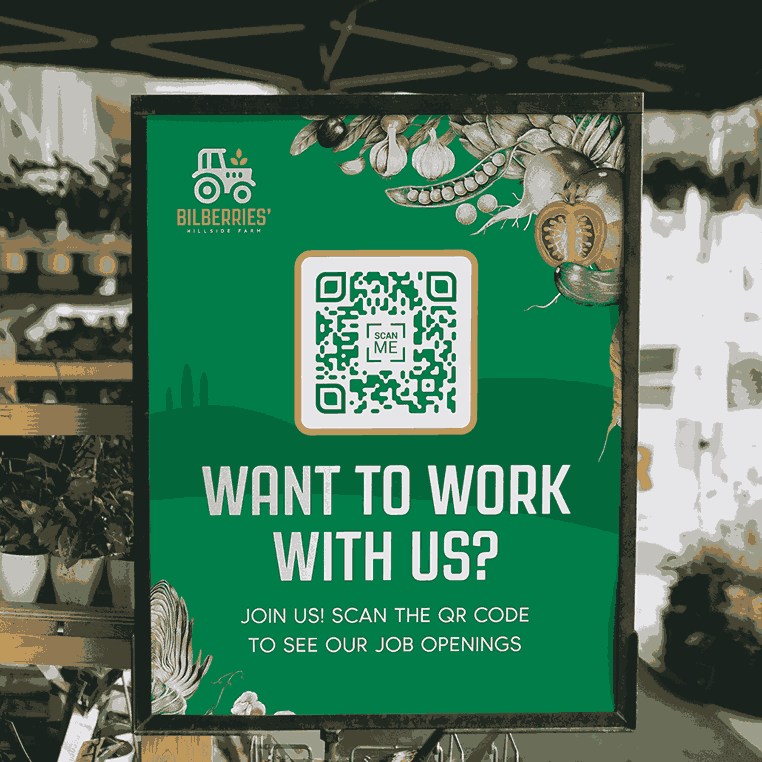
Short URL under the code
Technology sometimes fails. A user might have an old phone, a broken camera, or no internet access at that moment. Always print a short, readable website URL or Bitly Link beneath the QR Code.
This approach provides a fallback option. It also builds trust by showing people exactly where the code will take them. A branded short link reinforces your identity and ensures your poster presentation remains useful even without a scan.
Step-by-step: Create and track a Dynamic QR Code
Creating a trackable QR Code is a straightforward process. Follow this workflow to ensure your codes are measurable and editable from day one.
1. Generate a Bitly Link
Start by creating a short link for your destination. Log into your Bitly account and select Create new. Select Link. Paste your long URL. You can customize the back-half of the link to make it readable and memorable (like bit.ly/summer-fest-2026).
2. Create a QR Code from the link
Toggle on Generate QR Code under Sharing options to create a QR Code directly from your new link. This connects the code to the link’s analytics. Any scan of the code counts as a click on the link, keeping your data consolidated. This setup also activates the dynamic redirection feature automatically.
3. Customize and download in print-ready format
Customize the code to match your poster design. You can change the color, add your logo to the center, or choose a unique pattern style. Ensure you maintain high contrast. When you have a design you like, select Create your link.
Download the file in a high-resolution format. PNG or JPEG works well for most digital and small-print needs. For large-format printing like movie posters or billboards, use the SVG vector format.
4. Test before printing
Never send a design to the printer without testing the QR Code first. Print a sample on your office printer at the actual size.
Scan it with multiple mobile devices (iPhone and Android). Test it in different lighting conditions. Ensure it loads the correct landing page quickly. Catching a mistake now is free; catching it after printing 5,000 flyers is expensive.
5. Set naming conventions and tags for reporting
Organize your codes before you launch. Give your link and QR Code a clear, descriptive title in your dashboard. Use a consistent naming convention like “Campaign Name – Location – Date”.
Add tags to group related codes. You might tag all “Fall Concert” posters together. This approach allows you to filter your analytics later and see the total performance of the entire campaign, not just individual posters.
Poster and flyer use cases that win more scans
You can use QR Codes for virtually any objective. However, they perform best when the use case aligns with the user’s immediate needs. Here are four proven strategies.
Retail promotions and coupons
Shoppers love immediate value. Place posters in storefront windows or near checkout lines with a “Scan for Coupon” offer. This setup captures high-intent traffic.
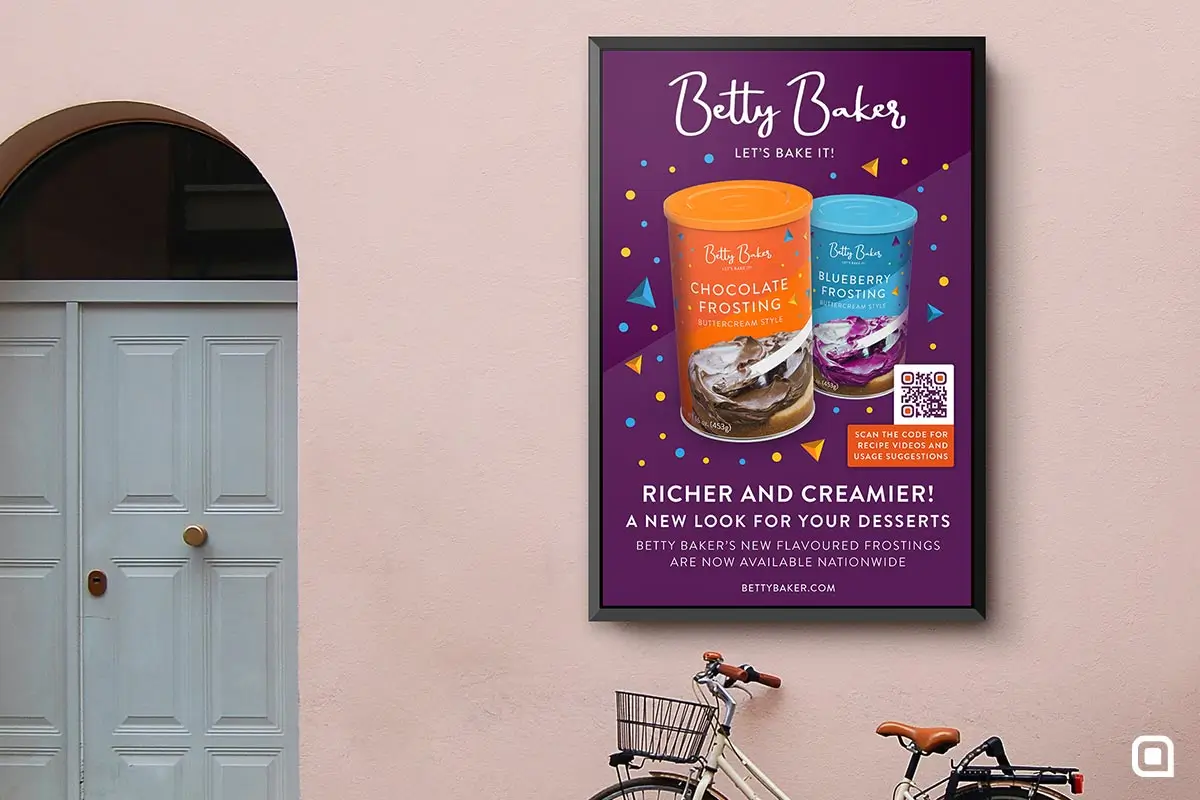
You can direct users to a digital coupon they can redeem instantly. This direction drives sales and builds your contact information list if you require an email signup to access the deal. The data can tell you exactly which store locations generate the most engagement.
Event registration and follow-up
QR Codes support the entire event lifecycle. Use them on pre-event posters to drive ticket sales. The code links directly to the registration page.
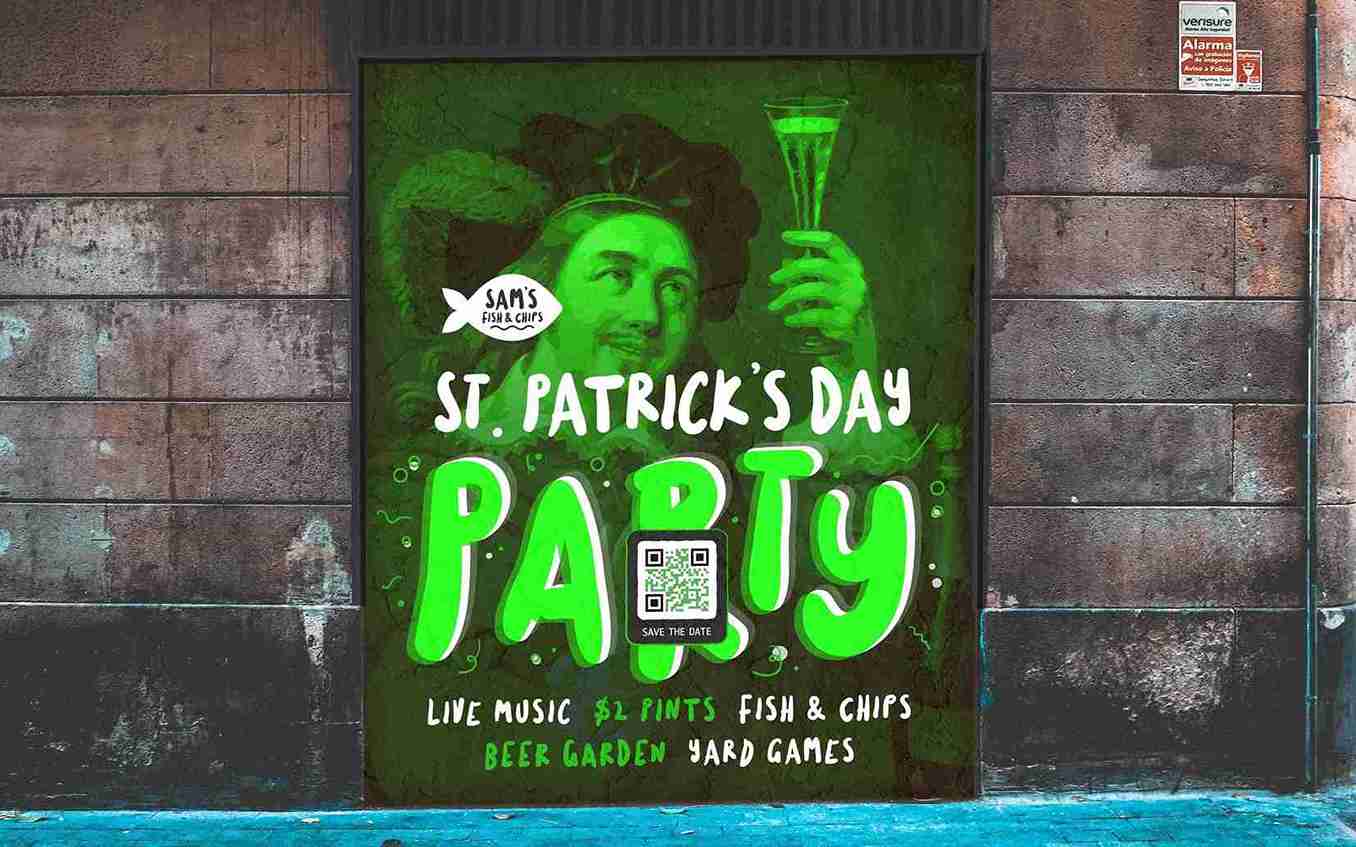
During the event, use posters with codes to share the agenda, venue map, or speaker bios. This approach reduces paper waste. After the event, use codes on exit signage to link to a feedback survey. You can measure engagement at every stage using different codes and UTM tracking, giving you a complete view of the attendee journey.
Campus and research posters
Academic and research settings rely on information density. A poster presentation has limited space. A QR Code solves this quandary by linking to the full research paper, supplementary data, or a video explanation.
This setup creates a “scan to learn more” dynamic that allows interested peers to save your work instantly. Analytics help you see how many people engaged with your research during a conference.
SMB flyers for local offers
Small businesses need to know if their print spend is working. A local coffee shop or gym can use flyers with QR Codes to track neighborhood reach.
Link the code to a “New Customer Special” or a free trial booking page. You can place different codes on flyers distributed in different areas. The scan data reveals which neighborhoods bring in the most customers, allowing you to focus your budget on the areas that convert.
Make every poster measurable with Bitly
Posters are no longer just about visibility. They are about connection and data. By adding a trackable QR Code, you turn a passive advertisement into an active engagement tool.
The formula is simple: Design for clarity, use Dynamic QR Codes for flexibility, and follow your analytics to learn what works. You stop guessing about your offline impact and start optimizing it.
Ready to track your offline campaigns? Get started with Bitly today and help your posters begin punching above their weight.
FAQs
Do QR Codes on posters actually work?
Yes, when designed and placed correctly. Posters work best for QR Codes when they are in high-dwell areas and paired with a clear call to action that explains what someone gets by scanning.
What size should a QR Code be on a poster?
A common rule is at least 1 inch (2.5 cm) of QR Code size for every 10 inches (25 cm) of viewing distance. Wall posters typically need much larger codes than flyers to scan reliably.
Can I track QR Code scans from posters?
You can track scans if you use Dynamic QR Codes that support analytics. Static codes do not provide scan data, and you cannot update them after printing.
Can I change the link after posters are printed?
Only if the QR Code is dynamic. With Dynamic QR Codes, you can update the destination at any time without reprinting the poster. Static codes require creating and printing a new code.





